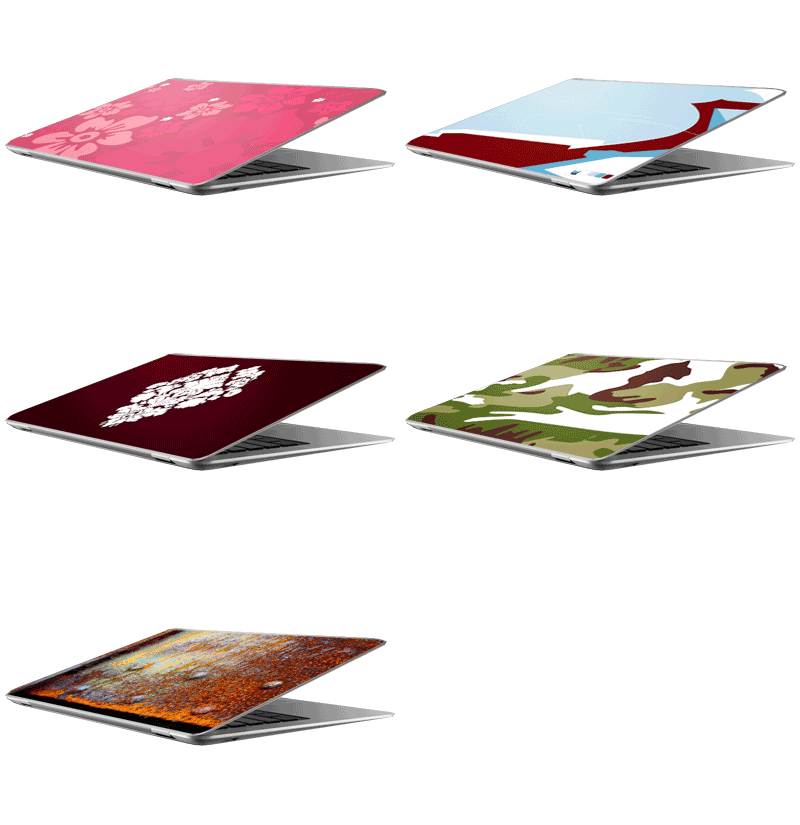
 So there it is - a revelation, if not even a revolution. The MacBook Air is just 0.76 inches thick and still it's a complete, full power ultra-portable laptop. Of course, you can already get amazing laptop skins for the MacBook Air at laptopskins.net - order any laptop skin in a custom size of 12.6 x 8.7 inches and it will fit your brandnew MacBook Air perfectly.
Tuesday, January 15, 2008
MacBook Air Laptop Skins


original laptop skins art on picasa
 all our more than 100 original laptopskin designs are now available for you to browse through on google's excellent picasaweb - enjoy!
Monday, January 14, 2008
Customer Photos and News Integration on laptopskins.net

we just uploaded a major update to laptopskins.net.
we have integrated the newsfeed from our laptop skin blog to have you up-to-date anytime while on the site: new features, how-to's, new designs, updates - it'll be right there for you to see.
also, there is now a feed of customer photos from our laptop skin gallery on flickr. we know our laptop skins look great not only on the site, but also on your notebook - and now we're proving it.
Monday, January 7, 2008
select your laptop skin size
 we just uploaded a new and improved size selection update to laptopskins.net. you can now select a skin size from the 5 most common notebook sizes. apart from that, you have the option to choose a custom size for your laptop skin. this will make it much easier to find the appropriate sticker size for you and we hope you enjoy the new elegant way of ordering your notebook sticker.
Sunday, January 6, 2008
how to apply a laptop skin sticker to your notebook
a simple how-to instruction photo series on how to apply a laptop skin sticker to your notebook. these instructions generally apply to all kinds of notebook stickers, but they were photographed and written by and for www.laptopskins.net
step 1: make sure your notebook is clean. wipe it off with a soft cloth. the notebook should be free of dust, fat and grease - otherwise the laptopskin may not stick to your laptop as well as it's supposed to.
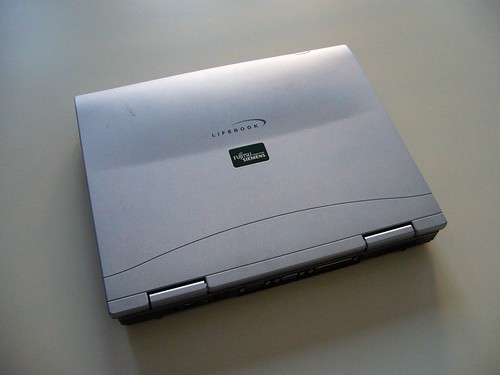
step 2: check if the laptop skin size is correct. you can always trim the size of the skin with a cutter knife. if your laptop has hinges like the one shown, you could cut out the hinges from the skin to have an even more perfect fit.
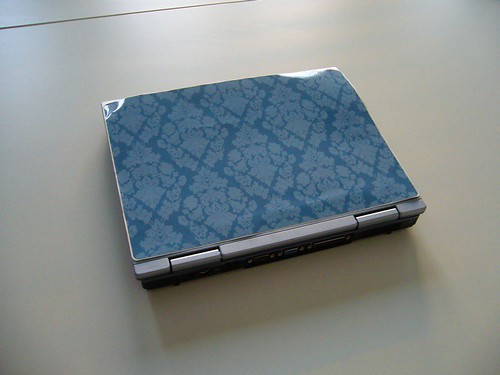
step 3: peel away a small part of the sticker.
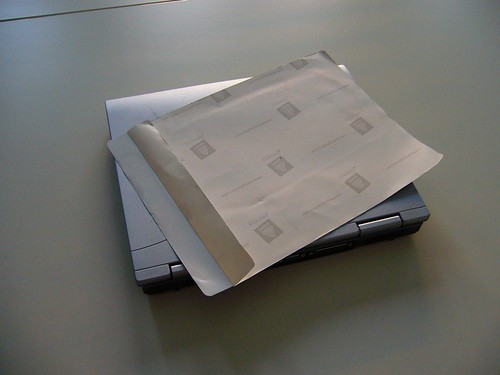
step 4: align the laptop skin on your notebook. take care that you put it on straight and in the exact position that you want to place it. as long as you don't push down on the exposed part of the sticker, you're free to move the skin around as you wish.
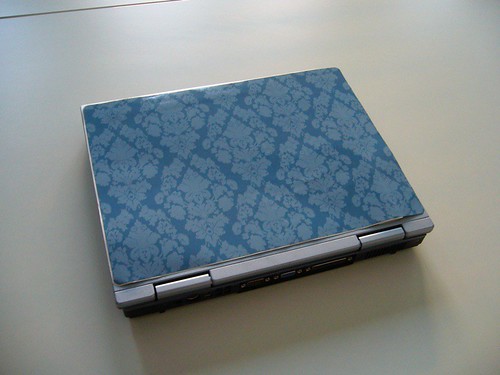
step 5: stick down the first part of the skin once you're certain you have it in the right position.
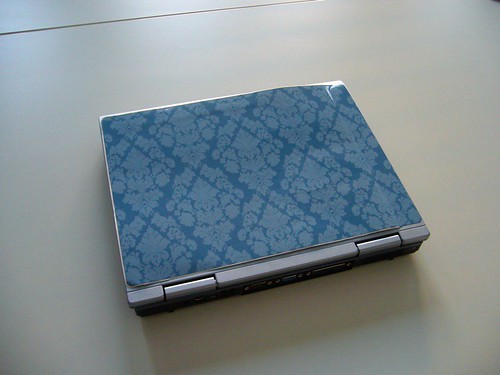
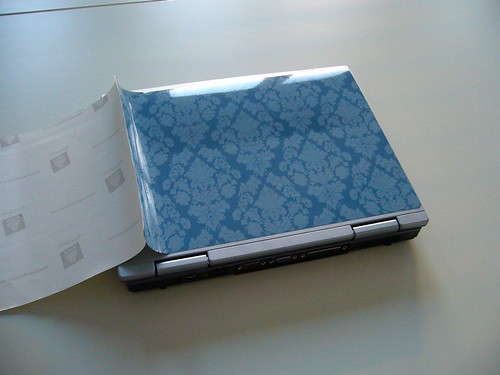
step 6: peel off the remaining sticker backside slowly, while at the same time gently pushing down on the exposed skin. by sticking it on gently bit by bit, you can avoid air bubbles under the skin. if there are bubbles under the sticker, simply peel it back a little and stick it back on.
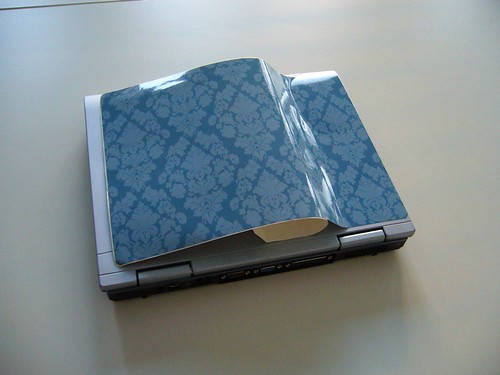
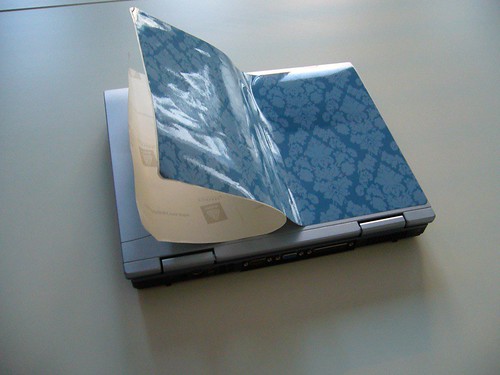
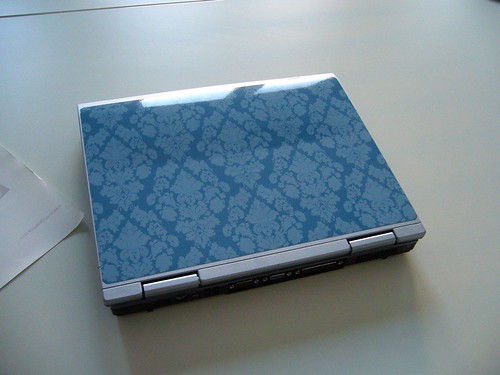
step 7: you're done! ta-daa! see, that was easy - and the result is stunning, don't you think?
Thursday, December 20, 2007
please send us your pictures!

laptop skins on myspace
 laptopskins.net has its own myspace site! please drop by, check out how we designed around the myspace limitations and connect to us: add us to your favourites, add us to your group or add us to your friends! we'd love to have you in our network.
Tuesday, December 18, 2007
laptopskins on flickr
 we just made a new flickr account for laptopskins.net.
This Flickr page is meant to showcase the applied skins in real life - we know our skins look great not only on the site, but also on your machine. show it to us - show it to the world!
If you bought a laptop skin at www.laptopskins.net, please send a picture of the applied skin to info@laptopskins.net so we can post it here for everyone to see! thank you!
connect to us on flickr, drop us a line, or write a testimonial for us! thank you!
Monday, December 17, 2007
Polyvore.com users love laptop skins
 the users of social commerce platform polyvore.com seem to like the notebook designs we uploaded. on the site, you can use all kinds of images from all over the web to make your own collages - the results are simply stunning. the creativity is endless. you're free to use our laptop skins in your designs as you wish - we'll upload the rest of them as we get around to it : )
laptop skins on kaboodle
 i just stumbled across kaboodle.com, a great site for shopping, inspiration, product recommendations and commenting. no laptop skins there yet, so i added the current portfolio of laptop skins to the database - i hope you enjoy them and the shopping experience!
Subscribe to:
Posts (Atom)